Start anywhere
Write your own prompt or begin with a reference image. Build on the direction that feels right.
PropulSell Studio / Editorial
Start with a sentence or a reference. Add a model, your products, an angle, background and styling to shape an editorial image that feels unmistakably yours.
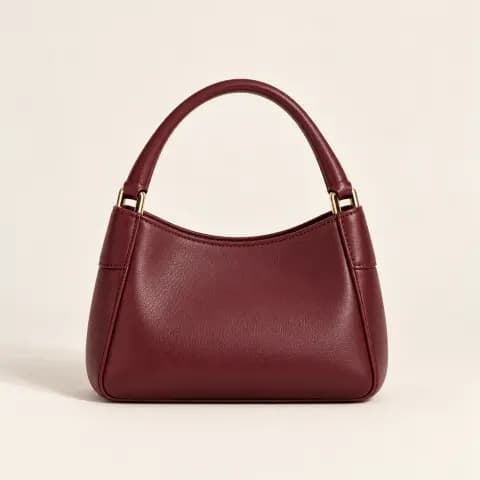
A confident fashion campaign. Modelwoman in charcoal tailoring carries Productburgundy handbag beside Backgroundpale stone steps. Angle shotmedium shot, Stylingminimal editorial, in soft natural light.
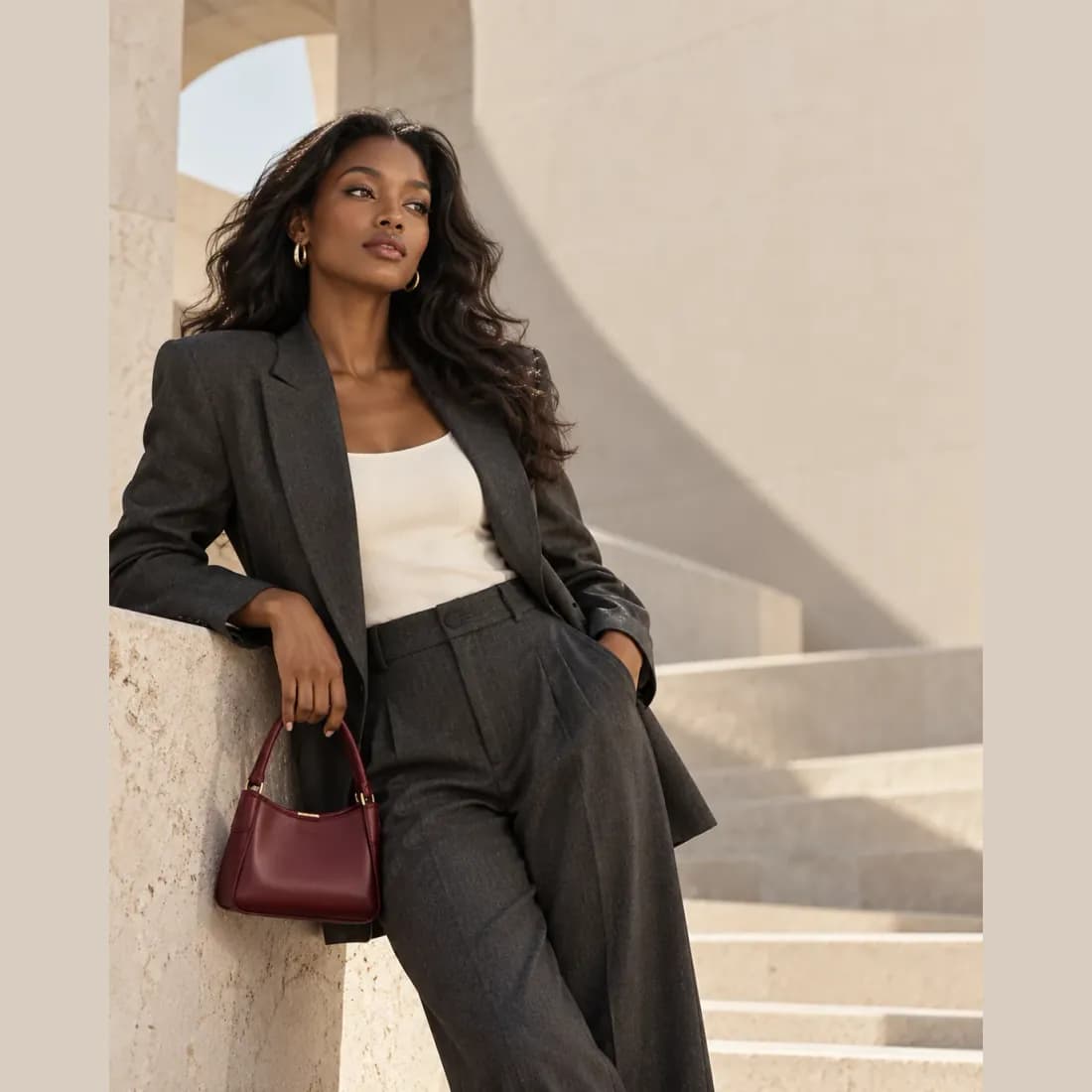
Creative control
Editorial gives you a flexible canvas for a specific visual idea, from the first reference to the final composition.
Write your own prompt or begin with a reference image. Build on the direction that feels right.
Add a saved model and product, then choose an angle, background and styling.
Work on a single image or use Bulk edit to prepare several visual directions.
How it works
Describe the image you want, or begin with a reference.
Add your model, product, angle, background and styling as you refine the brief.
Review your image in the gallery and iterate on your next idea.
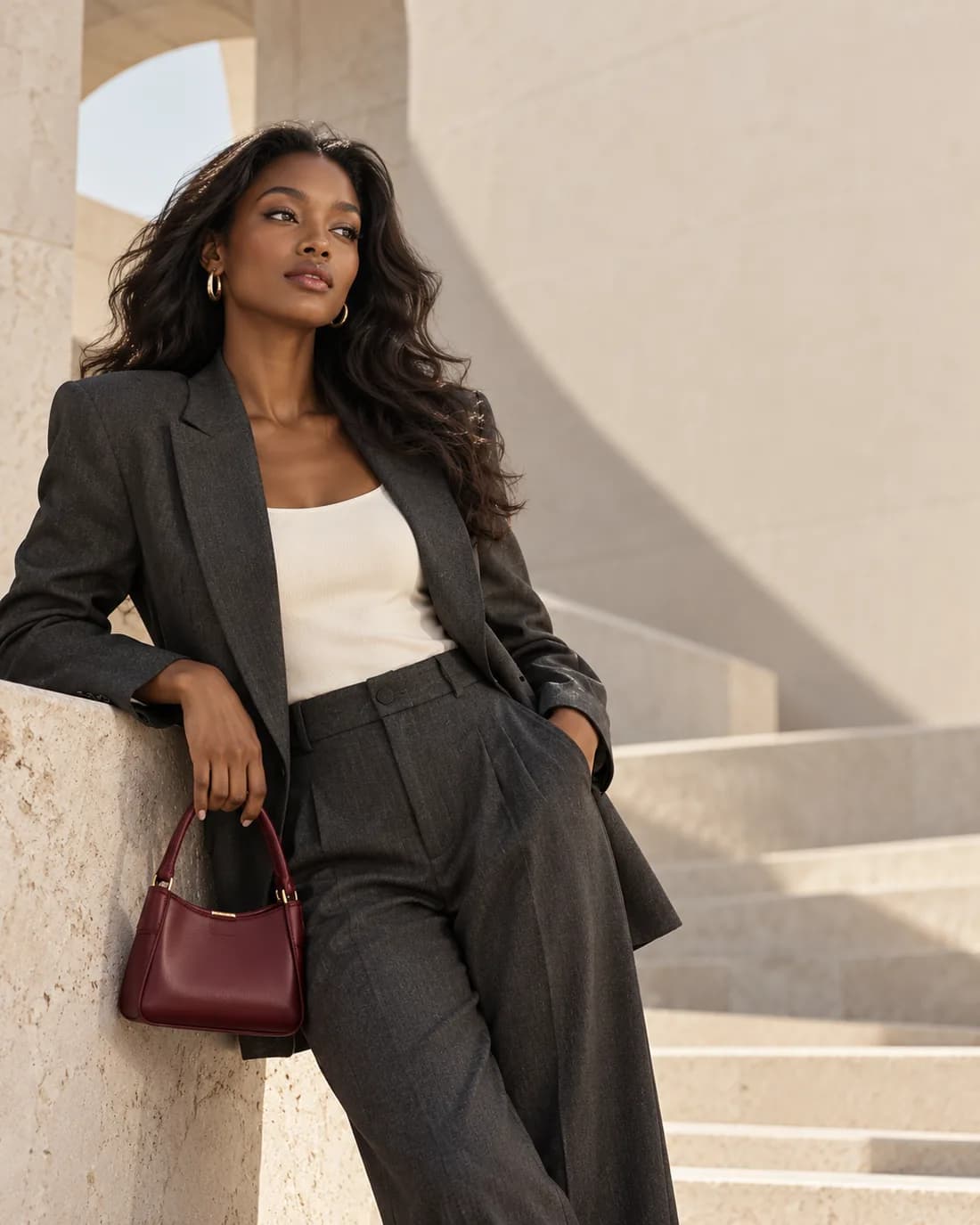
Made for expression
Go beyond a standard product shot. Editorial helps you turn a precise vision into fashion imagery for campaigns, lookbooks and social stories.
Create an editorial imageMake the next image yours.
Open Editorial and start with a thought, a reference, or a product already in your library.
Create an editorial imageExplore other tools