Paint the exact spot
Use the brush to mark the logo, label, stitch or other detail that needs work.
PropulSell Studio / Detail Repair
Mark the exact spot that needs attention. Add a close reference when you have one, then repair the selected detail while the rest of your image stays in place.
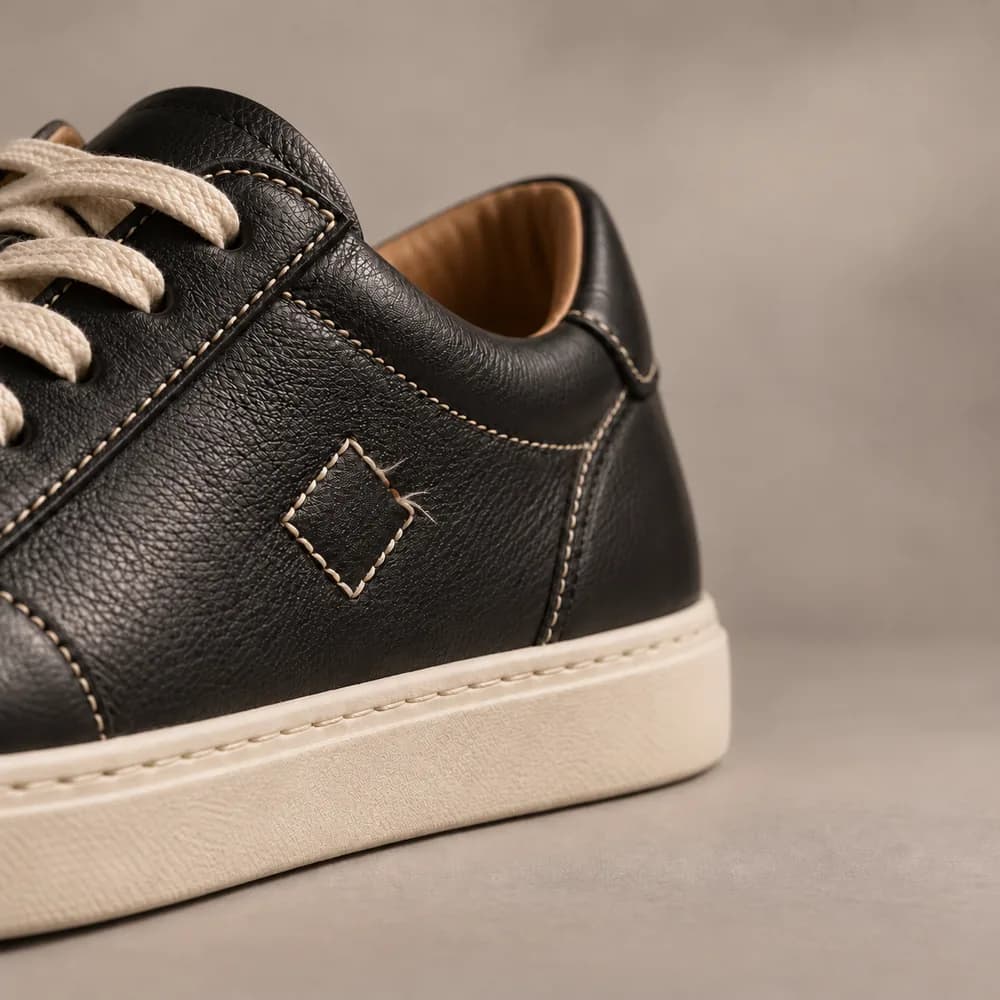
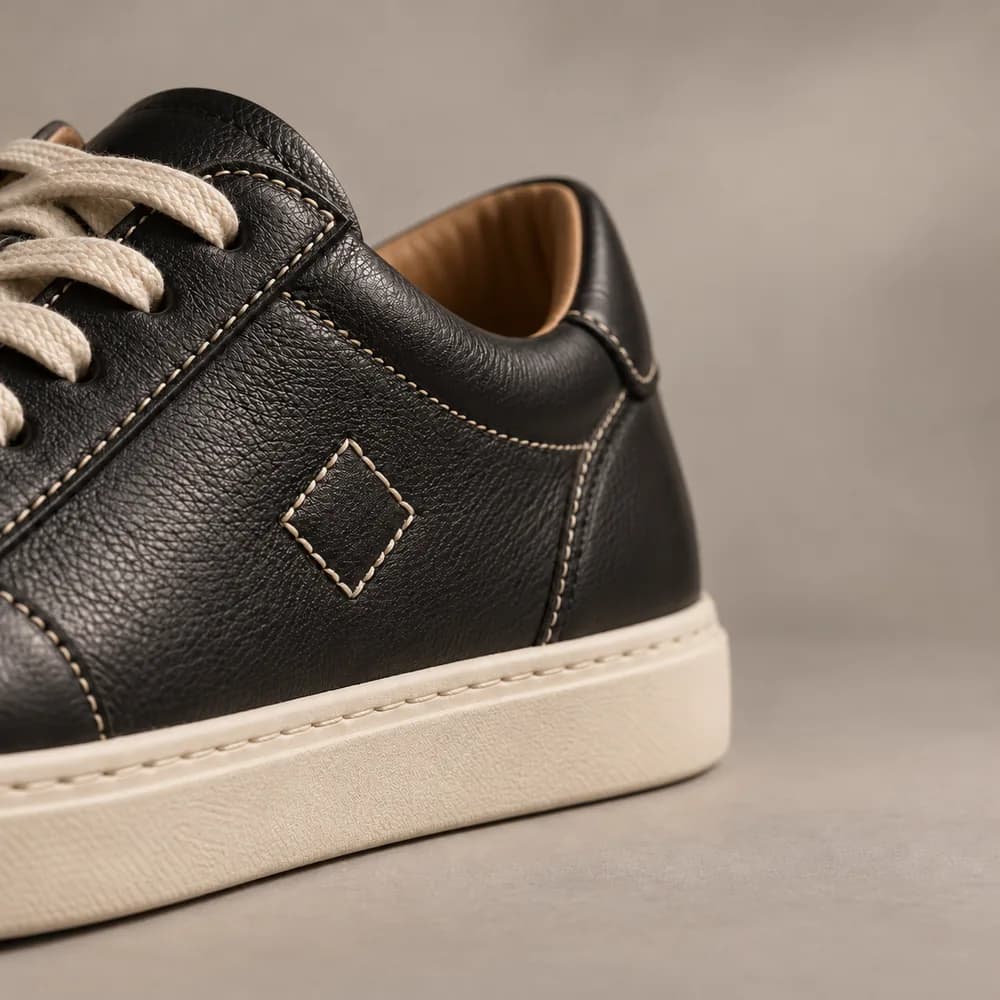
Precise edits for the details people notice.
Focused editing
A small error should not mean starting the image again. Detail Repair keeps the edit focused on the area you choose.
Use the brush to mark the logo, label, stitch or other detail that needs work.
Add close-up photos so the repair can follow the real shape and lettering.
Generate variations, review the results and download the one you prefer.
How it works
Select the product image with the detail you want to fix.
Paint over the area. Add reference shots or an instruction when useful.
Generate variations, compare with the original and keep your preferred result.
The difference is in the detail
Use it for a misshapen logo, a label, stitching, a small stain or another local imperfection. Your original composition remains the starting point.
Repair an imageGive your best image its best finish.
Open Detail Repair, mark the area and see your options.
Repair an imageExplore other tools