هذا المقال غير متوفر بلغتك بعد. أنت تقرأ النسخة الأصلية.
How to Sell Clothes Online: 9 Steps to Better Listings
Learn how to photograph, price and describe clothes for resale. Build a repeatable listing workflow for Vinted, Depop, eBay and more.
بقلم PropulSell Team
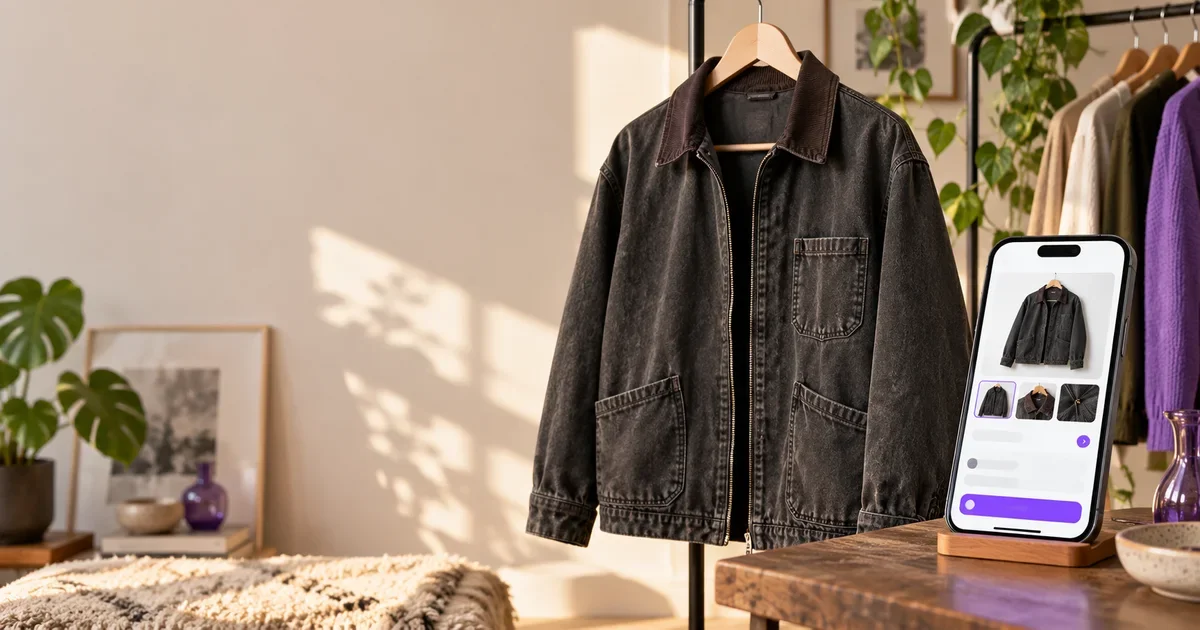
Selling clothes online starts with one simple question: can a buyer understand the item from your listing? Clear photos, useful details and an accurate price help shoppers decide whether to save, ask a question or buy.
That sounds manageable for one jacket. It takes longer when you have a rail of pieces to list across several resale marketplaces. A repeatable process keeps each listing accurate and gives you a way to work through the pile without starting from scratch every time.
1. Prepare the garment before taking photos
Check the pockets, fastenings, seams and care label. Remove lint and smooth obvious creases. Use a hanger or lay the item flat, then choose a background that contrasts with its colour. Window light usually shows fabric and colour more naturally than a harsh ceiling light.
Photograph the actual item you plan to sell. Keep filters and edits subtle so buyers can judge the colour and condition. If there is a mark, loose thread or worn edge, show it clearly. An honest close-up gives buyers useful context before they message you.
2. Show the views a buyer needs
Make the first image a clear view of the whole garment. Add front and back views, then close-ups of the label, texture, fastening or distinctive detail. Include a photo of any flaw. A buyer should not have to guess what the fabric looks like or where a sign of wear sits.
Marketplace photo rules differ and can change. Check the current rules before listing. Vinted recommends describing the item accurately and showing flaws in the photos. eBay's seller guidance recommends a solid background, good light and several useful angles. Depop also asks sellers to include relevant item details and photos that support the description.
3. Write a title using buyer search terms
Put the clearest details first: brand, garment type, model or style, colour and size. “Vintage Levi’s 501 straight-leg jeans, blue, W28 L30” tells a buyer more than “Lovely jeans”. Use only details you can verify on the item or label.
Think about the words you would type if you wanted to find this exact piece. Add those naturally. Avoid stuffing the title with unrelated brands or repeating the same phrase. Each marketplace has its own title limits and search fields, so check the final listing before publishing.
4. Describe fit, condition and measurements
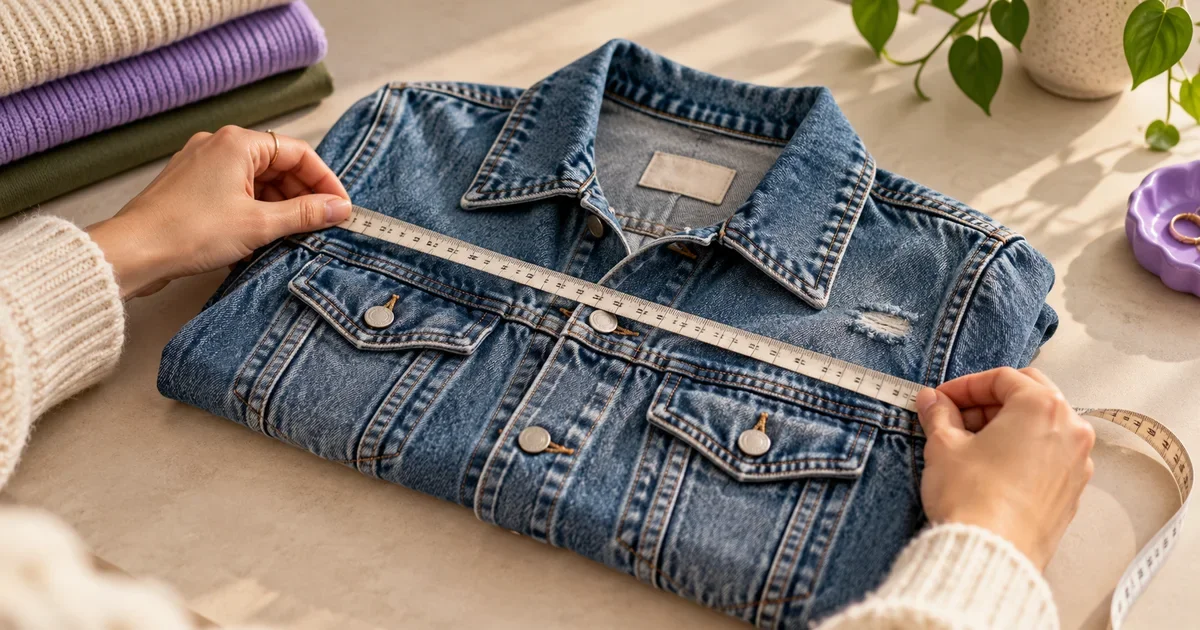
Include the labelled size, how the item fits if you know, material from the care label, and any signs of wear. Clothing sizes vary between brands. Measurements such as pit-to-pit, length, waist or inseam can answer practical questions before a buyer needs to ask.
Keep the description readable. Short paragraphs or a small list make details easy to scan. Mention what is included and be direct about flaws. Accuracy protects buyer trust and helps set expectations.
5. Set a price with comparable sold items
Search for similar pieces in the same brand, style, size and condition. Where a marketplace shows sold listings, use those as a reference rather than relying only on active asking prices. Account for platform fees, postage and how quickly you want the item to move. A price is a decision based on the item and the market; no tool can guarantee a sale.
6. Adapt each listing to its marketplace
Vinted, Depop, eBay, Poshmark, Leboncoin and Vestiaire Collective have different buyers, categories and listing conventions. Reuse accurate product facts, then adjust title, description and tags for the place where you are publishing. Never assume the same keywords or format work equally well everywhere.
PropulSell’s Ad Crafter uses up to five product photos to prepare a listing image and marketplace-specific title, description and hashtags for supported platforms. Review every generated detail before you post. Confirm brand, size, material, condition, measurements and price yourself.
7. Keep a simple repeatable workflow
For each item, follow the same order: prepare, photograph, record measurements, write details, price, then publish. Save a short checklist near your photo area. If you list in batches, finish one stage for several items before moving to the next. That makes missing labels, measurements or condition notes easier to spot.
With PropulSell, you can start from your phone photos in Ad Crafter, review the generated listing, and use the other studio tools when an image needs a different presentation. Check the plans and credits before choosing a workflow that fits your listing volume.
8. Check the listing before it goes live
Read the title out loud. Confirm that the photos show the real item, the size matches the label, the condition notes mention every flaw, and the shipping details are correct. Preview the listing on a phone. The first image and opening lines should make the item easy to understand without scrolling through a wall of text.
9. Learn from questions and saves
If buyers repeatedly ask for a measurement or fabric detail, add it to future listings. If an item gets views but no useful interest, revisit the first photo, title and comparable prices. Change one thing at a time so you can tell what helped. Resale marketplaces change their search and listing features, so keep checking their current seller guidance.
A clear listing cannot promise a sale. It can give buyers the information they need to decide. Start with the item in front of you, show it honestly, and make each listing easier to repeat than the last.
Platform seller resources
- #sell clothes online
- #clothing resale
- #Vinted
- #Depop
- #eBay
- #product photography
متوفر أيضاً بـ: Français